FFaceai

Create face ai Images, Videos, Characters, and Face Swaps in One Place

Start with a prompt or an image.

Turn a short brief into a polished visual, then refine your direction.

Continue on the partner site · review options there

Faceai brings AI image, video, character, avatar, and face swap directions together in one creative space. Start with a prompt or an image, choose a workflow, and shape visuals for campaigns, stories, social posts, and everyday ideas.

A vibrant collage of fashion portraits and character concepts arranged as a creative mood board.

Choose a creative direction

Choose the Right AI Tool for Your Idea

Start with AI Photo, Character, Avatar, or Video, then open a focused tool when the next step needs a different kind of creative control.

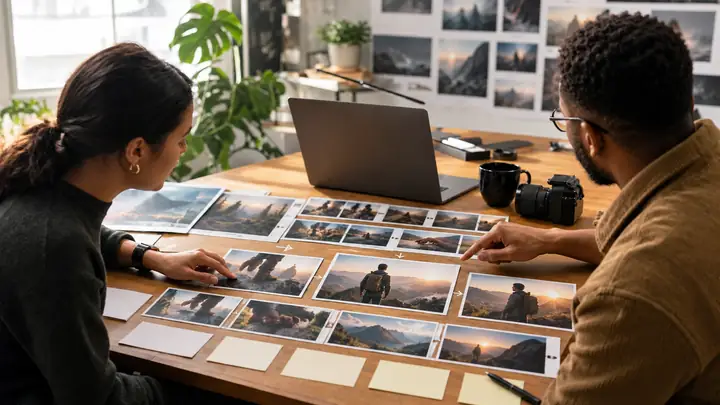
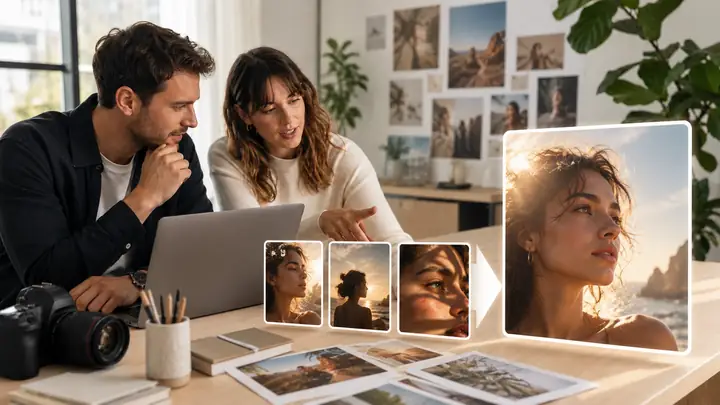
Two creators review product photography ideas together at a bright studio desk.
● AI Photo Generator

AI PHOTO

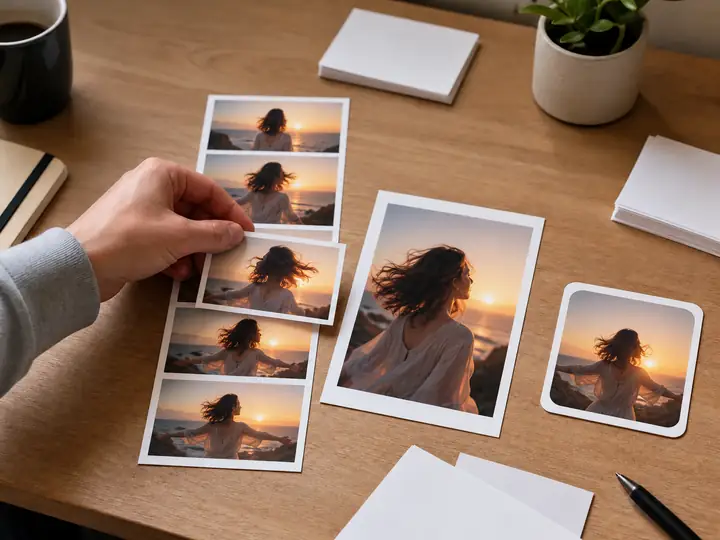
Need a product shot before the shoot, a portrait for an article, or a lifestyle image for a post? Describe the scene, explore a visual direction, then review the details before moving an image into a listing, page, or post.

  • AI Image Generator
  • AI Image Editor
  • AI Photo Enhancer
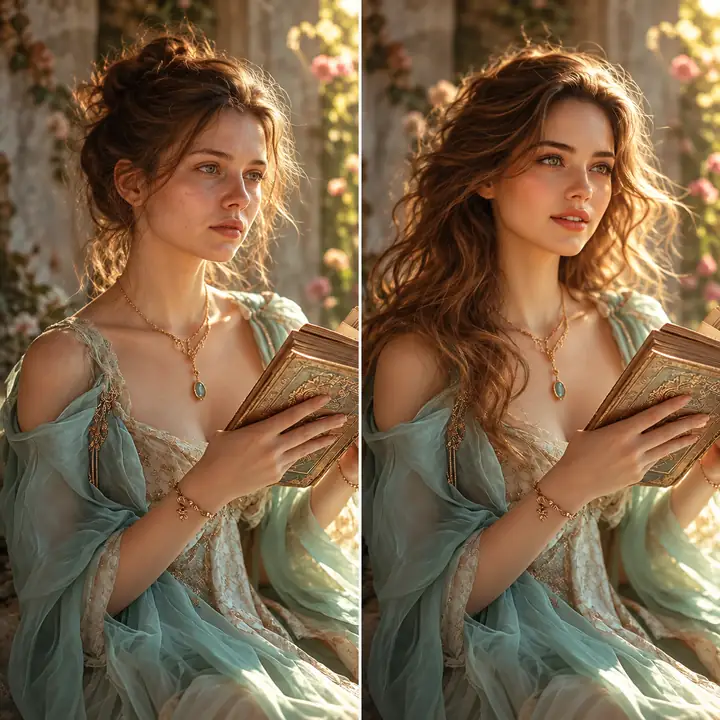
Explore AI Photos
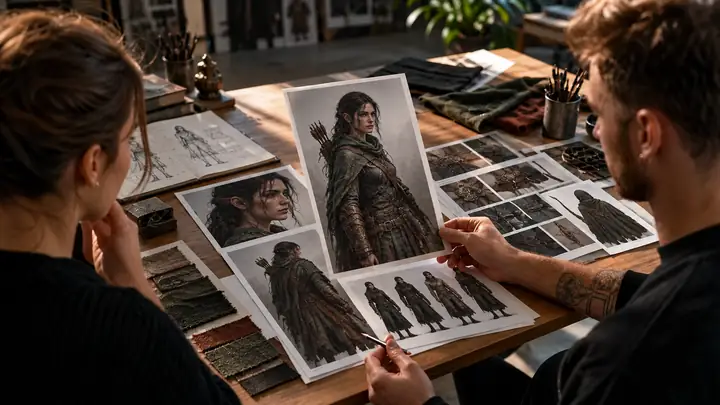
Artists study an original fantasy character concept and costume references around a studio table.
● AI Character Generator

AI CHARACTER

Imagine a story hero, a game NPC, an anime character, an OC, or a collectible figure. Set the role, outfit, pose, and mood, then make the concept easier to see and discuss. Adjust the direction until it suits the story or pitch.

  • OC Maker
  • Anime Character Generator
  • AI Action Figure Generator
Explore Characters
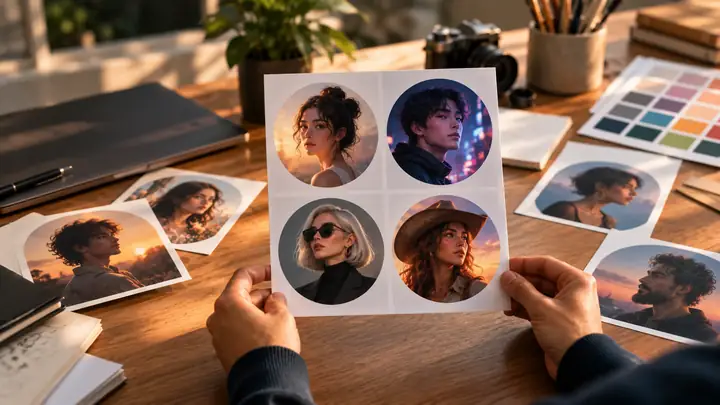
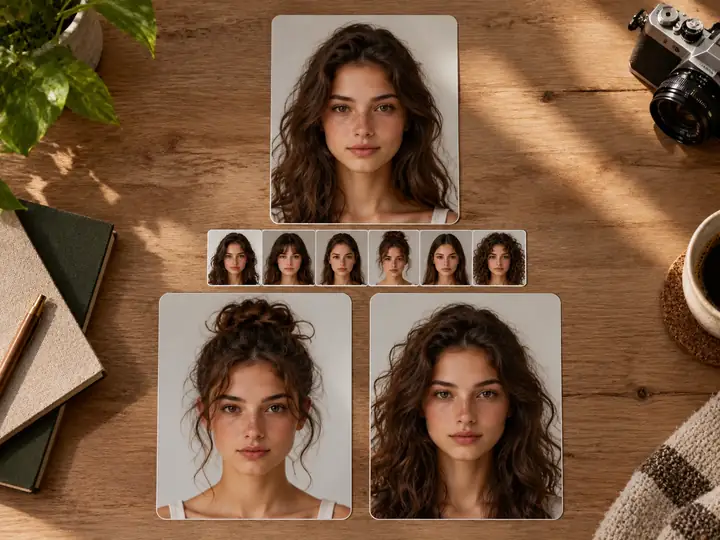
A person holds a sheet of varied portrait avatar concepts over a desk of photographs and color samples.
● AI Avatar Generator

AI AVATAR

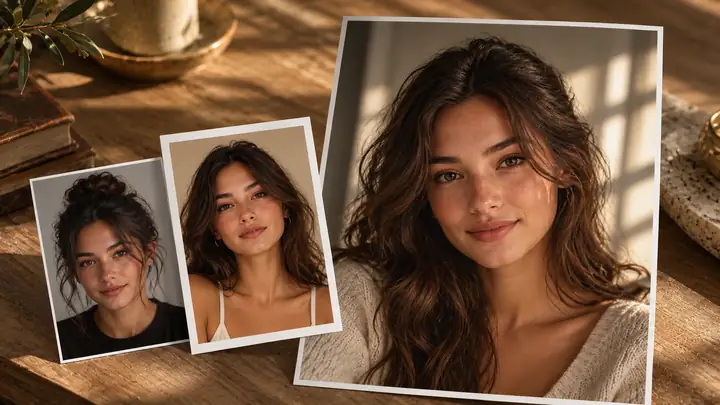
Consider a selfie as the starting point for a creator avatar, a professional headshot, a gaming icon, or a social profile picture. Think about where the image will appear, keep the crop simple, and choose the direction that feels right.

  • AI Headshot Generator
  • Avatar from Photo
  • AI Profile Picture Generator
Explore Avatars
Two creators arrange visual storyboards and video frames across a sunlit production desk.
● AI Video Generator

AI VIDEO

Have a hook but no footage? Plan a product teaser, social clip, storyboard test, or speaking portrait from a prompt or source image. Consider the motion and key frames, then decide what needs another edit before sharing.

  • AI Image to Video
  • Creative Video
  • Talking Photo
Explore AI Video

Face Swap Tools for Photos, Videos, and GIFs

Swap one face or several in a still image, a moving clip, or an animated GIF, with a workflow suited to each kind of content.

● Photo Face Swap

AI Face Swap

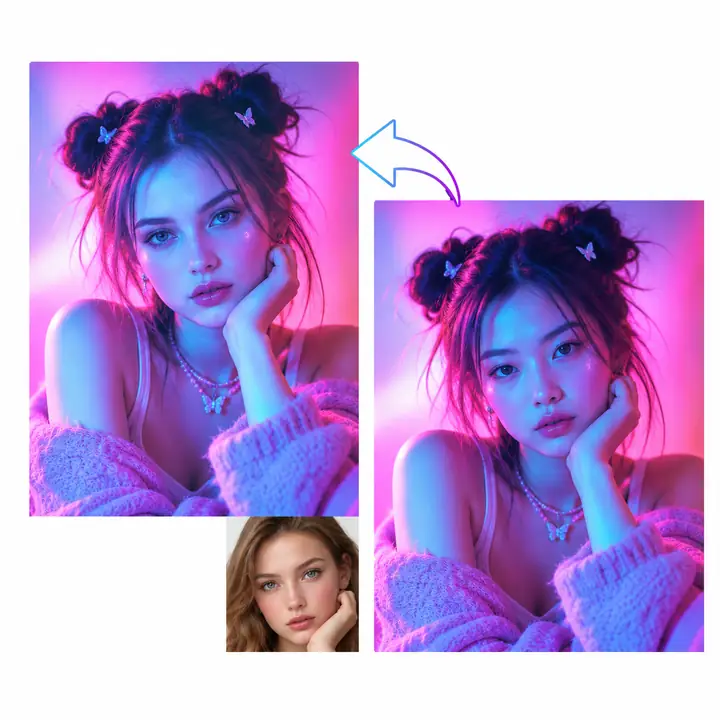
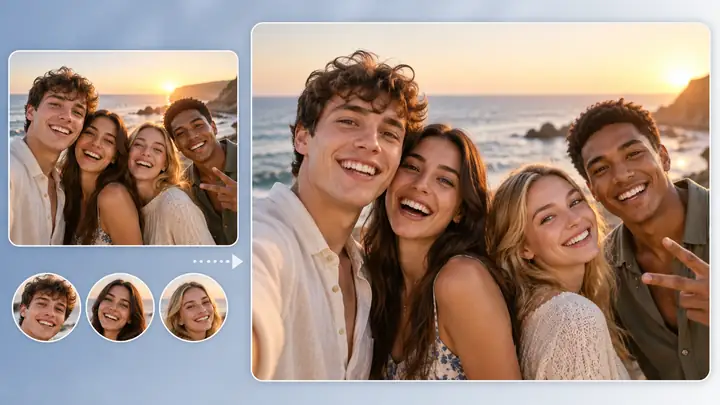
A portrait, selfie, or group shot can be the beginning of a playful transformation. Choose an image with a clear face and consider the lighting, angle, and expression when exploring a new look. Review the finished composition before using it in a creative project.

Explore Face Swap
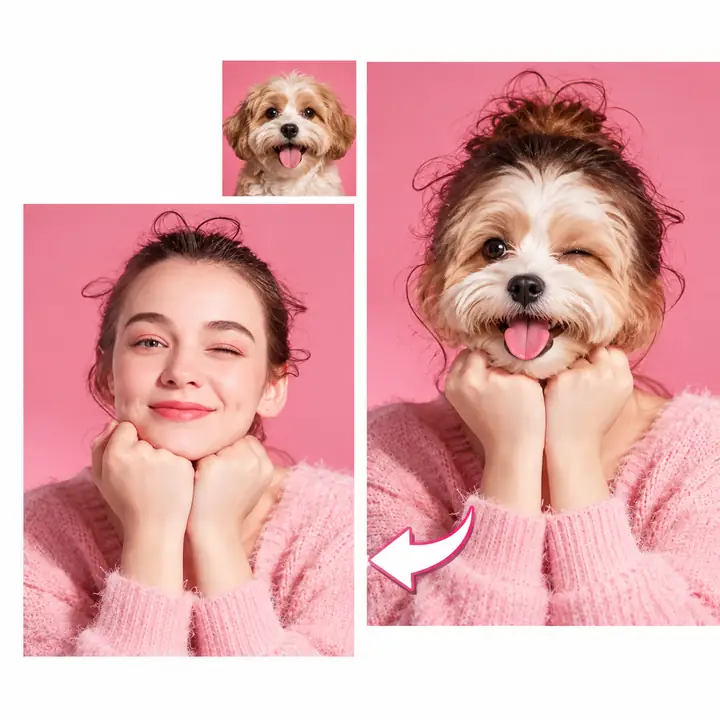
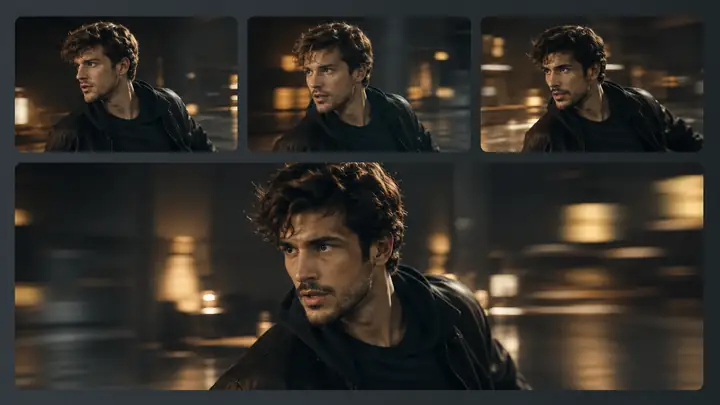
Neon-lit video portrait frames show a before-and-after face-swap idea.
● Video Face Swap

Seamless AI Face Swapper for Videos

Moving footage needs a different approach from a still photograph. Start with a short clip, consider how the face turns and how the light changes, and review multiple frames to judge whether the transformation feels consistent.

Explore Video Face Swap
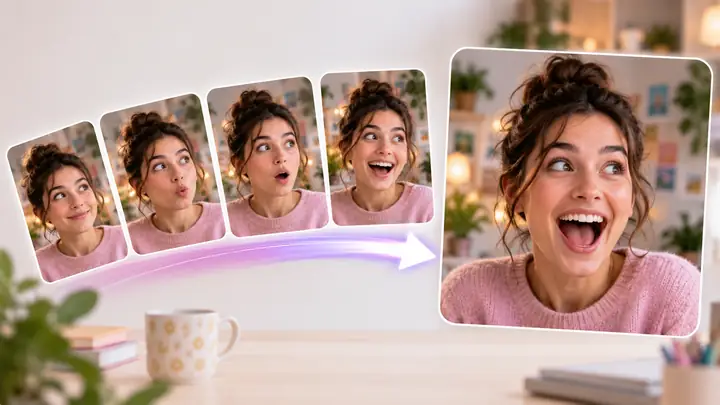
Pink animated portrait frames illustrate a lighthearted GIF face-swap concept.
● GIF Face Swap

Make Memes and GIFs Come Alive with Face Swaps

GIFs and memes invite quick, expressive edits. A recognizable reaction, clear source portrait, and well-chosen loop can make an animated face swap feel more personal when sharing a joke with friends or illustrating a social post.

Explore GIF Face Swap
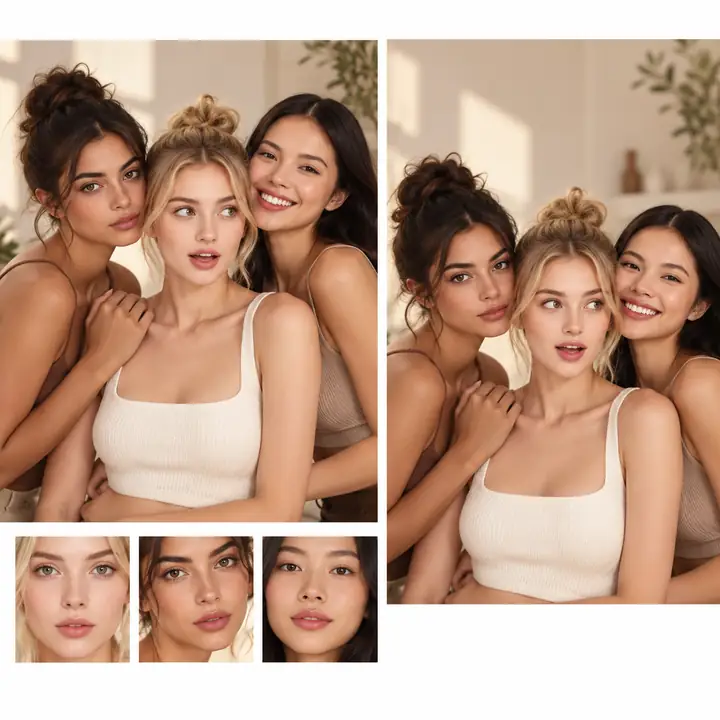
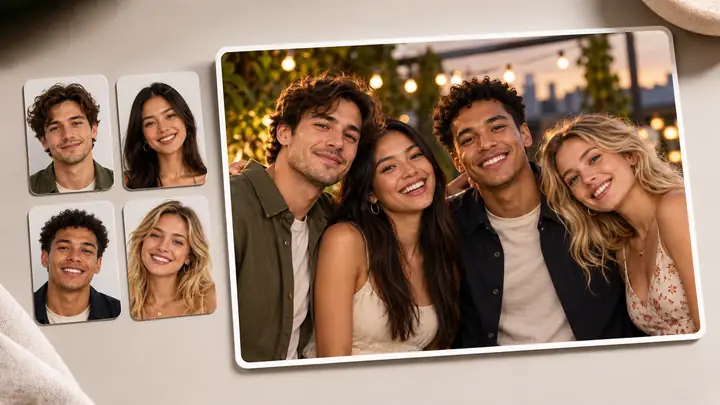
A group portrait is arranged beside individual face references to illustrate a multiple-face edit.
● Multiple Face Swap

Change Multiple Faces in One Photo Effortlessly

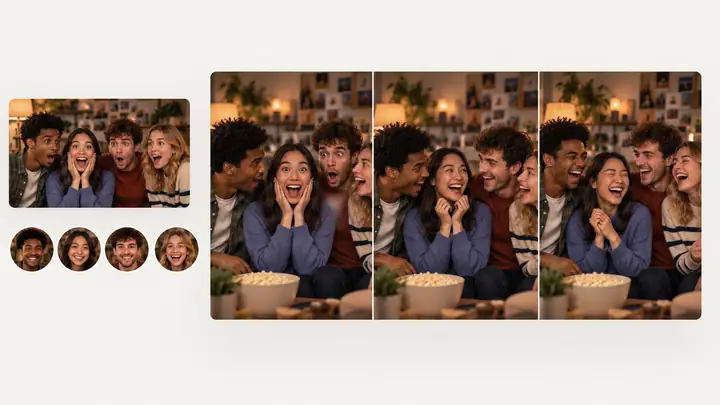
A family portrait, party selfie, or team shot can call for more than one change. Plan which face belongs where, use clear reference images, and check the group as a whole so the lighting and expressions still work together.

Explore Group Face Swaps

Trusted by Millions of Face AI Users Worldwide

Creative tools can bring photo, video, and GIF ideas into one workflow. Find the direction that fits your project, then review your options in the creation workspace.

Photos

Portrait and product ideas

Video

Short-form concepts

GIFs

Loops and reactions

Ideas

A place to begin

Show the Idea Instead of Explaining It

Make the product image, profile photo, character, short clip, or face swap that helps someone understand what you mean.

★★★★★

“Seeing an idea as an image makes it much easier to discuss the mood and composition.”
Portrait of a creative professional.Creative team perspective

★★★★★

“A playful GIF direction can communicate a reaction faster than another paragraph.”
Portrait of a smiling creative professional.Social content perspective

★★★★★

“Comparing visual directions helps a team choose what belongs in the finished story.”
Portrait of a professional at a creative studio.Editorial perspective

★★★★★

“Character concepts give a story pitch something concrete to react to.”
Portrait of a creative professional in a bright workspace.Storytelling perspective

★★★★★

“One starting portrait can suggest a profile image, a short clip, or a playful edit.”
Portrait of a smiling social-media professional.Creator perspective

★★★★★

“Small edits can make an existing visual feel ready for a different setting.”
Portrait of a creative professional smiling outdoors.Design perspective

Help Center

Face AI Questions, Answered

Short answers about creative tool families, when to use each one, and what to check before sharing an AI result.

Find the Tool You Need

Explore a sharper photo, a short video, a character, a profile avatar, a voice direction, or a face-swap idea. Start with the result you need, then choose the next step that fits.

Start with the job: Choose a direction for the result you want, then review the available options on the partner site.

Start creating
Start creating